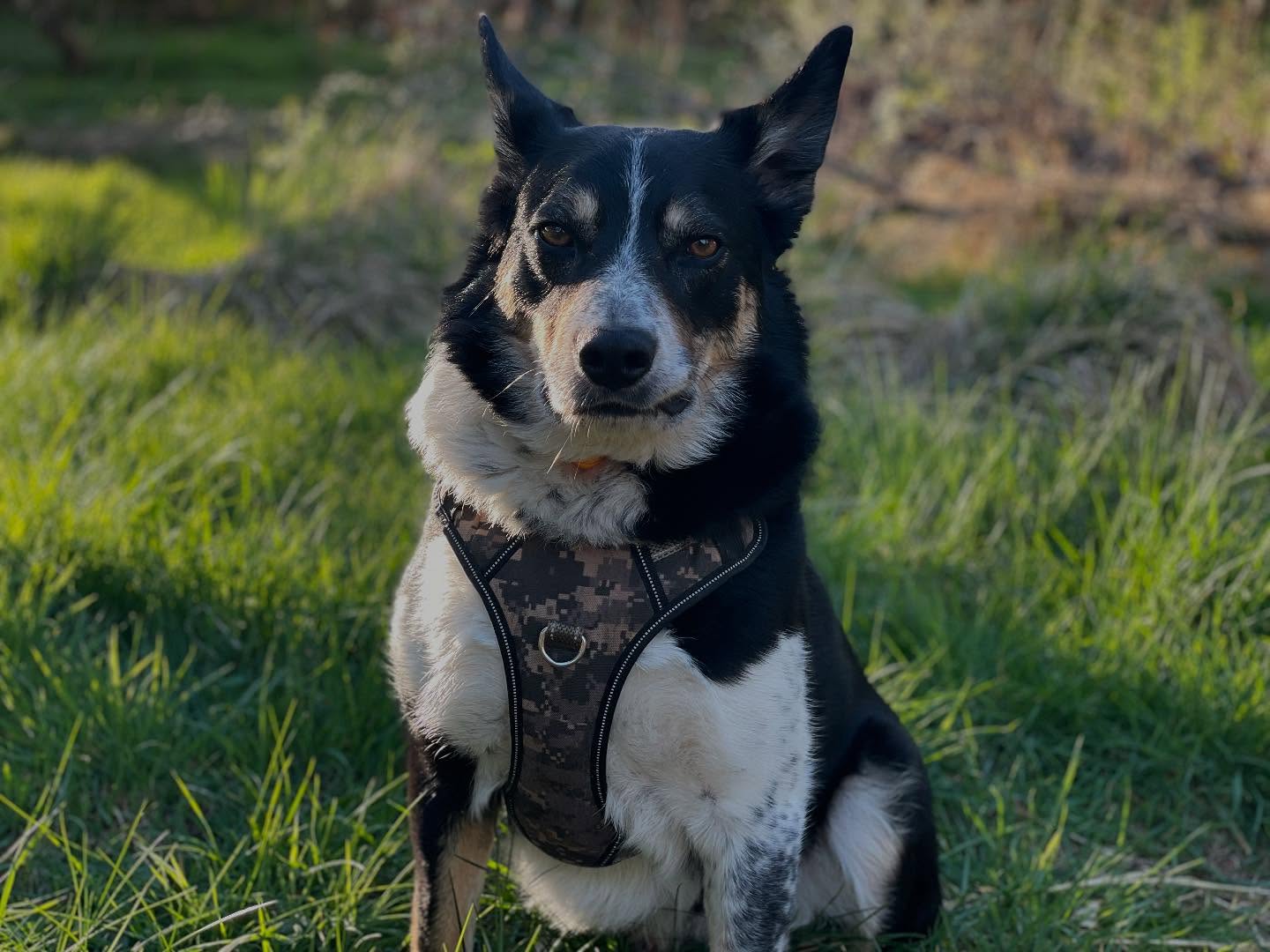
Nice afternoon, and check out Rusty looking awesome in the sunshine!
Creating a Hand-Drawn Wiggle/Boil Line Effect with Code (No After Effects Required!)
I’ve had the concept for my intro video in my head for a while for my Galleon Acre YouTube channel. It’s just a channel where I’ll document projects around my house, garden, and acre of land. But I wanted to sketch over a drone aerial shot of the garden with my rough plans for future projects — sort of like a “drawn-on-the-blueprint” visual.
I knew this boiling/wiggling effect is easily achieved in After Effects and similar programs, but I don’t own those or plan on buying them. I’m happy with my workflow in DaVinci Resolve and feel comfortable using it for my video editing. So the question became:
Can I create this boiling line effect using just code?
It didn’t seem (in my head) like an overly complex problem — just tricky enough to be interesting. My artistic ability is quite limited, so I’m always looking for ways to automate visual flourishes without much manual drawing.
So with this in mind, my process flow became
Input
Line Drawn Image
Process
Apply Effect and Generate Frames
Output
Animated File
I thought I’d take a second here to explain the libraries I ended up using. I don’t always fully understand every line of a library’s documentation, but I do like to know why I’m importing something. Here’s what made the cut:
scipy.ndimage): This is where the magic happened. I used it to generate smooth noise with gaussian_filter, and most importantly, to apply the displacement with map_coordinates. That last one lets you remap where pixels go — and that’s really the heart of the effect.You can install all these using pip:
pip install pillow dumpy script image image-ffmpegCode language: Bash (bash)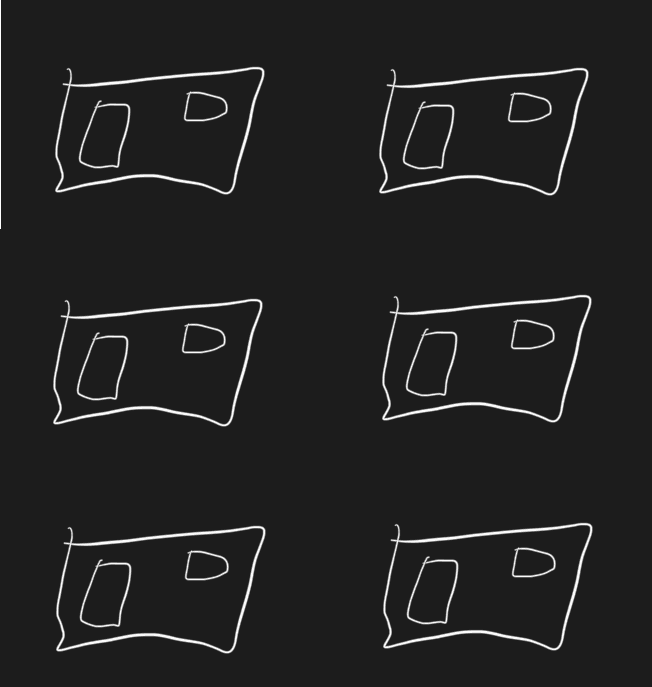
So, the best place to start would be to work out how this effect can be done. I encountered multiple “Solutions” to the problem, from randomly moving the entire image via a random offset to putting the frames together. While this did work – technically, it wasn’t the natural way I envisioned. I was thinking of something between a wiggle path or a hand-drawn animator effect. The produced effect isn’t natural… it lacks that hand-drawn look i was aiming for.
def jiggle_image(image, intensity=1):
    dx = np.random.randint(-intensity, intensity + 1)
    dy = np.random.randint(-intensity, intensity + 1)
    return image.transform(image.size, Image.AFFINE, (1, 0, dx, 0, 1, dy))Code language: Python (python)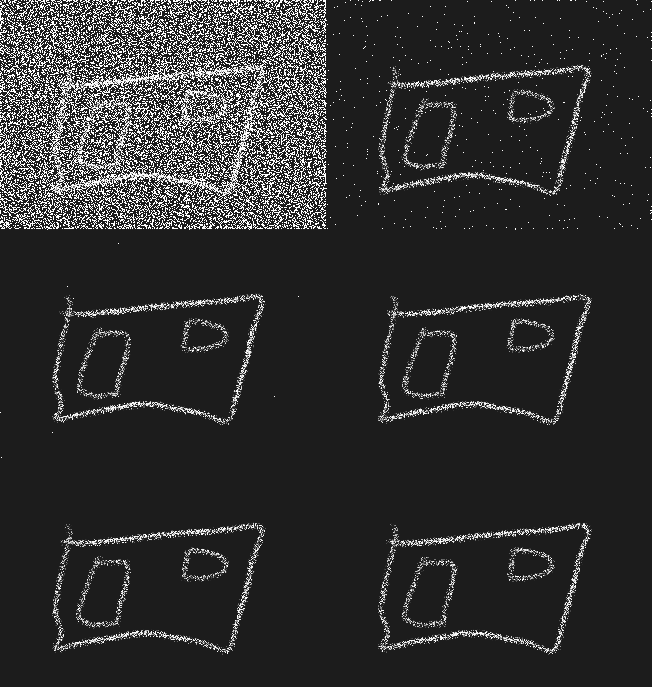
For a second attempt, I thought, what if I jitter each line pixel independently?
This created an effect, but not the one I wanted. It was more like a noisy chalkboard or low-resolution scatter effect. The lines broke apart and lost their cohesion, and it lacked fluidity.
def per_pixel_jiggle(image, intensity=1):
    array = np.array(image)
    height, width, _ = array.shape
    new_array = np.zeros_like(array)
    alpha_channel = array[:, :, 3]
    y_coords, x_coords = np.where(alpha_channel > 0)
    for x, y in zip(x_coords, y_coords):
        dx = np.random.randint(-intensity, intensity + 1)
        dy = np.random.randint(-intensity, intensity + 1)
        new_x = x + dx
        new_y = y + dy
        if 0 <= new_x < width and 0 <= new_y < height:
            new_array[new_y, new_x] = array[y, x]
    return Image.fromarray(new_array, "RGBA")
Code language: Python (python)Back to the research, I encountered several articles that mentioned using displacement maps to create the effect in After Effects. This was the breakthrough moment; I decided to try and generate a smooth random displacement field and then warp the original image according to it
def generate_displacement_field(shape, scale=16, amplitude=1.5):
    h, w = shape
    low_res_shape = (h // scale, w // scale)
    dx = gaussian_filter(np.random.randn(*low_res_shape), sigma=1)
    dy = gaussian_filter(np.random.randn(*low_res_shape), sigma=1)
    zoom_factors = (h / dx.shape[0], w / dx.shape[1])
    dx = zoom(dx, zoom_factors, order=1)
    dy = zoom(dy, zoom_factors, order=1)
    return dx * amplitude, dy * amplitude


def apply_displacement(image, dx, dy):
    array = np.array(image)
    h, w, c = array.shape
    coords_y, coords_x = np.meshgrid(np.arange(h), np.arange(w), indexing='ij')
    coords = np.array([
        np.clip(coords_y + dy, 0, h - 1),
        np.clip(coords_x + dx, 0, w - 1)
    ])
    warped = np.zeros_like(array)
    for i in range(c):
        warped[..., i] = map_coordinates(array[..., i], coords, order=1, mode='reflect')
    return Image.fromarray(warped.astype(np.uint8), "RGBA")Code language: Python (python)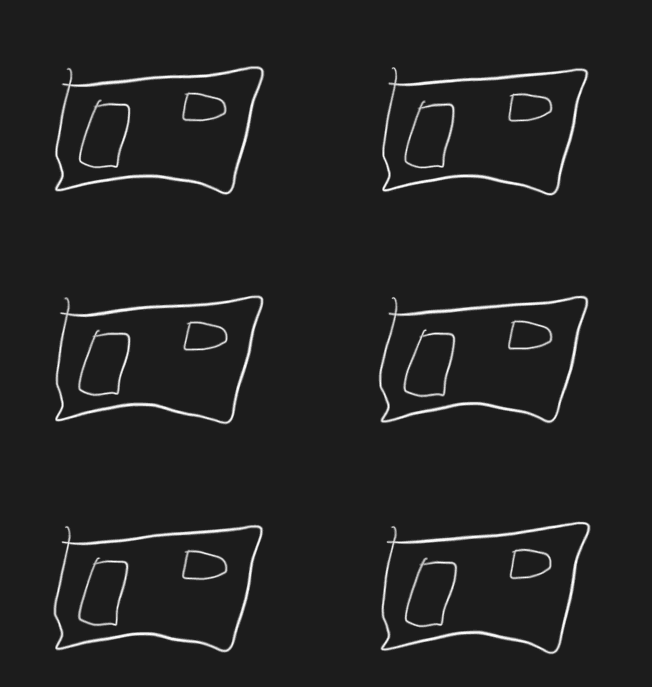
This version worked! The image stays cohesive, but the lines jitter organically to mimic the wobbly, hand-drawn animation I had in my head. It’s subtle, clean, and much more usable in a professional context.
Since I planned to overlay this animation in DaVinci Resolve, I needed a transparent .mov video. MP4 doesn’t support alpha channels, so I used ProRes 4444:
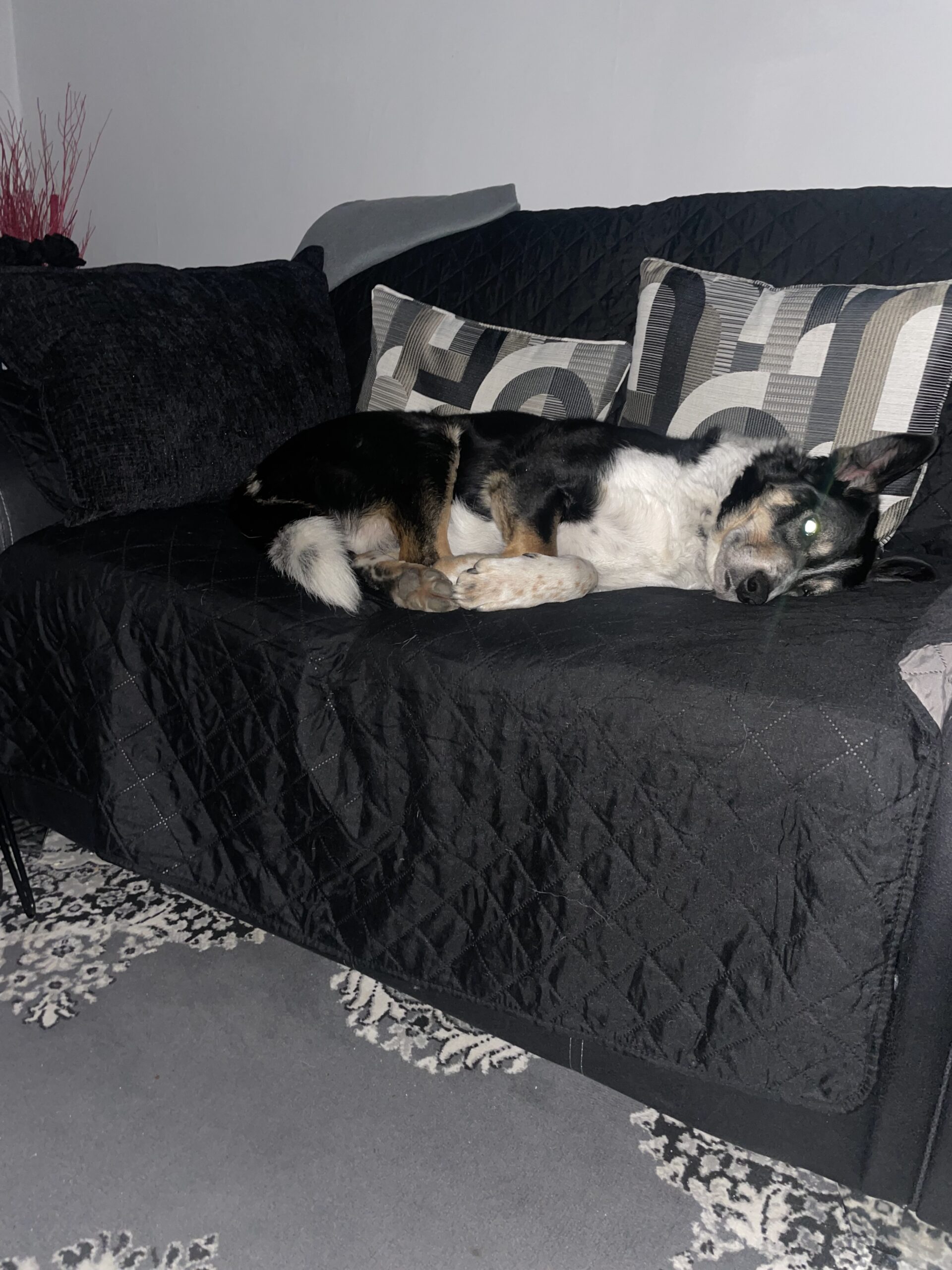
A small example of the overlay applied to a video file, enjoy Rusty’s reaction to the drone being in the air!
Another trip to the city to see the amazing Jeff Wayne’s War of the Worlds live on stage.
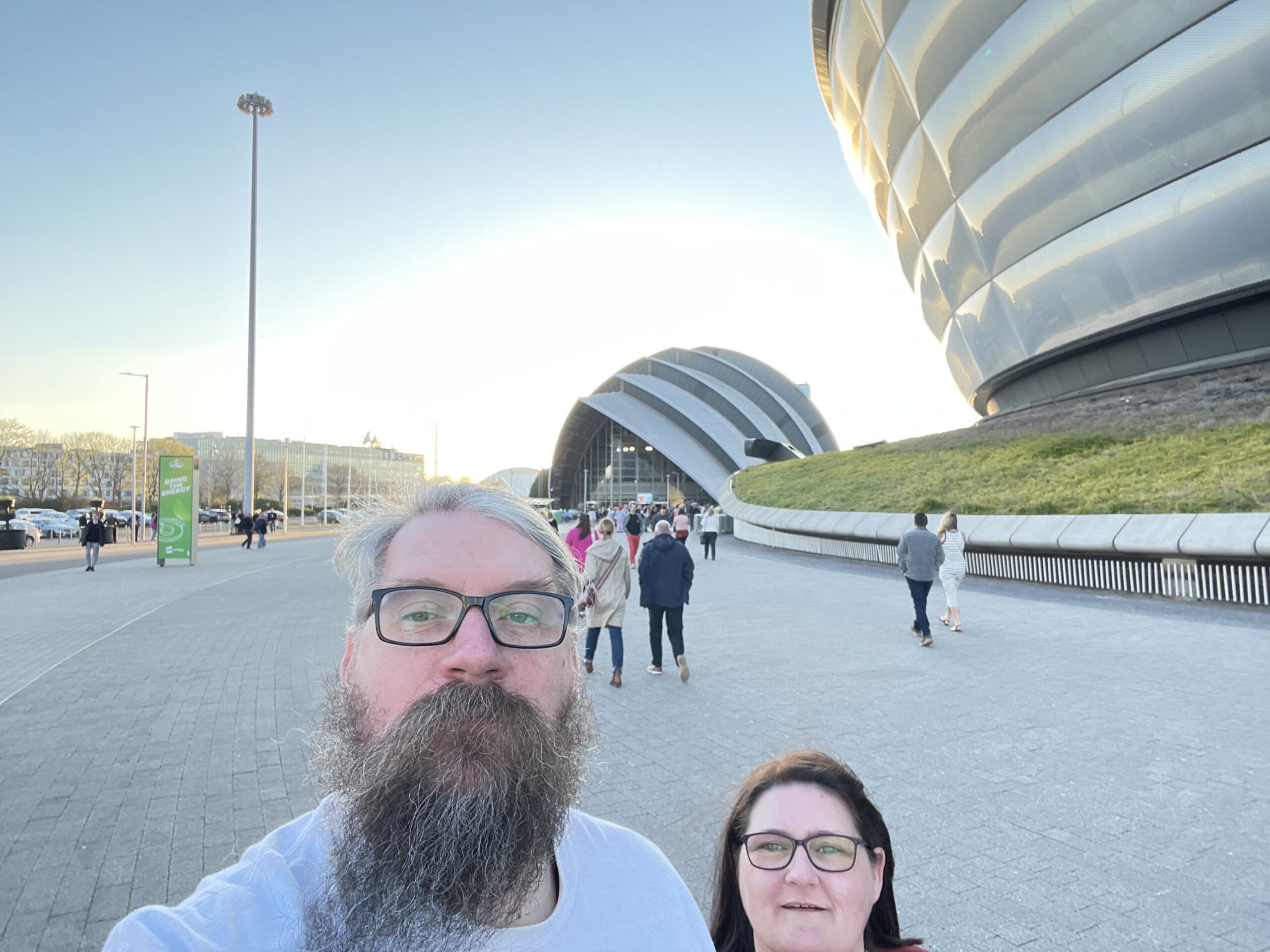
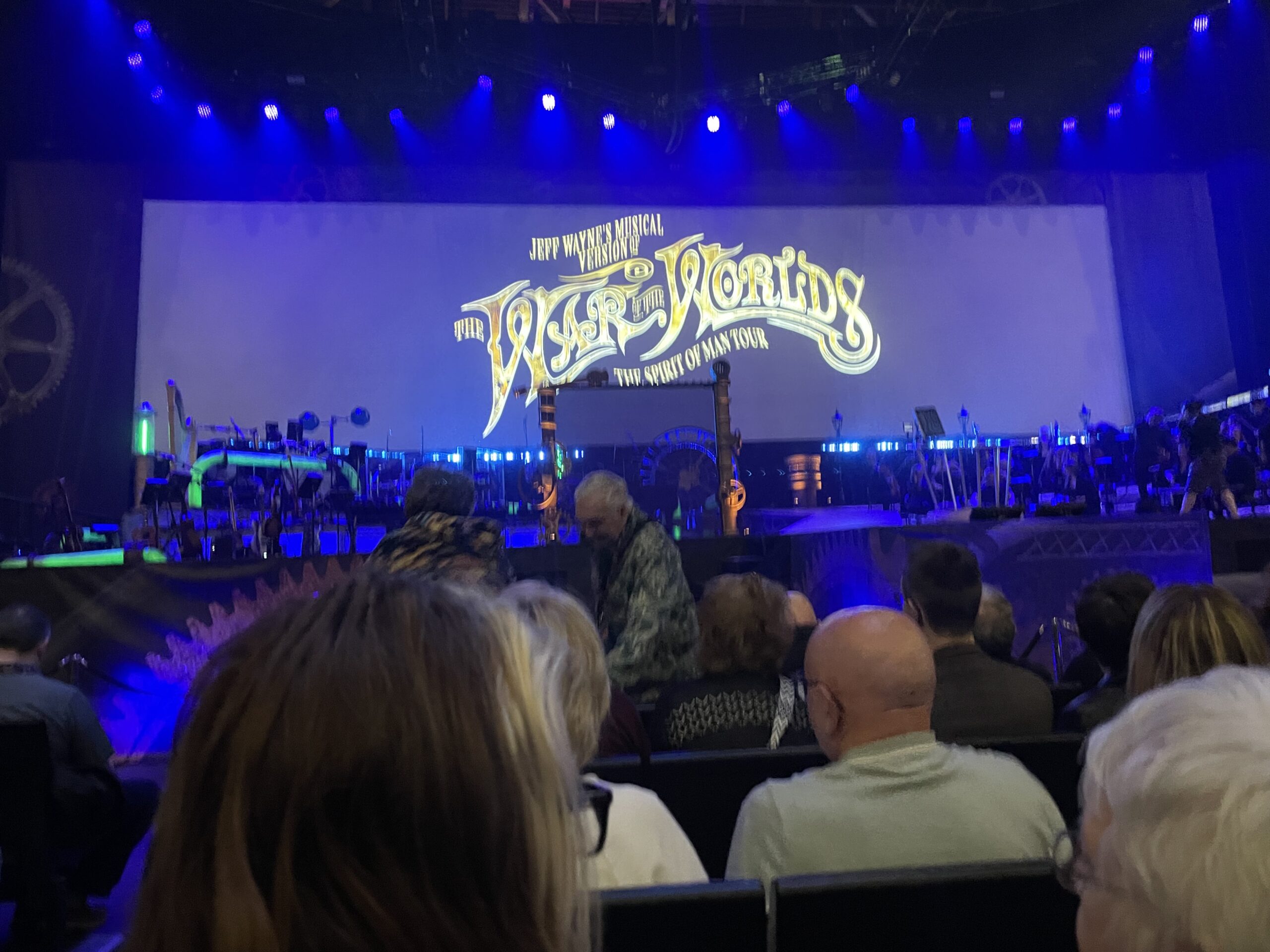
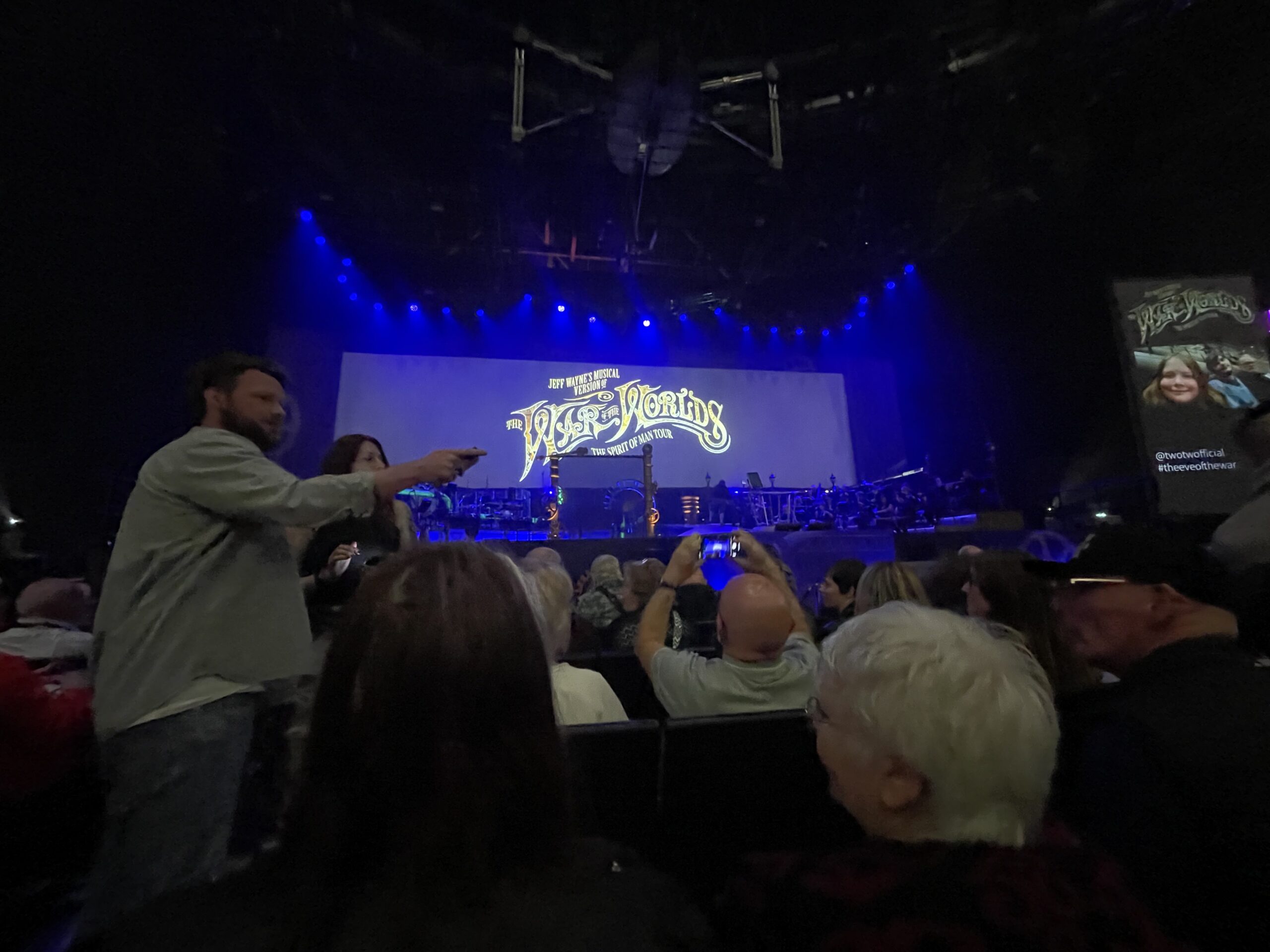
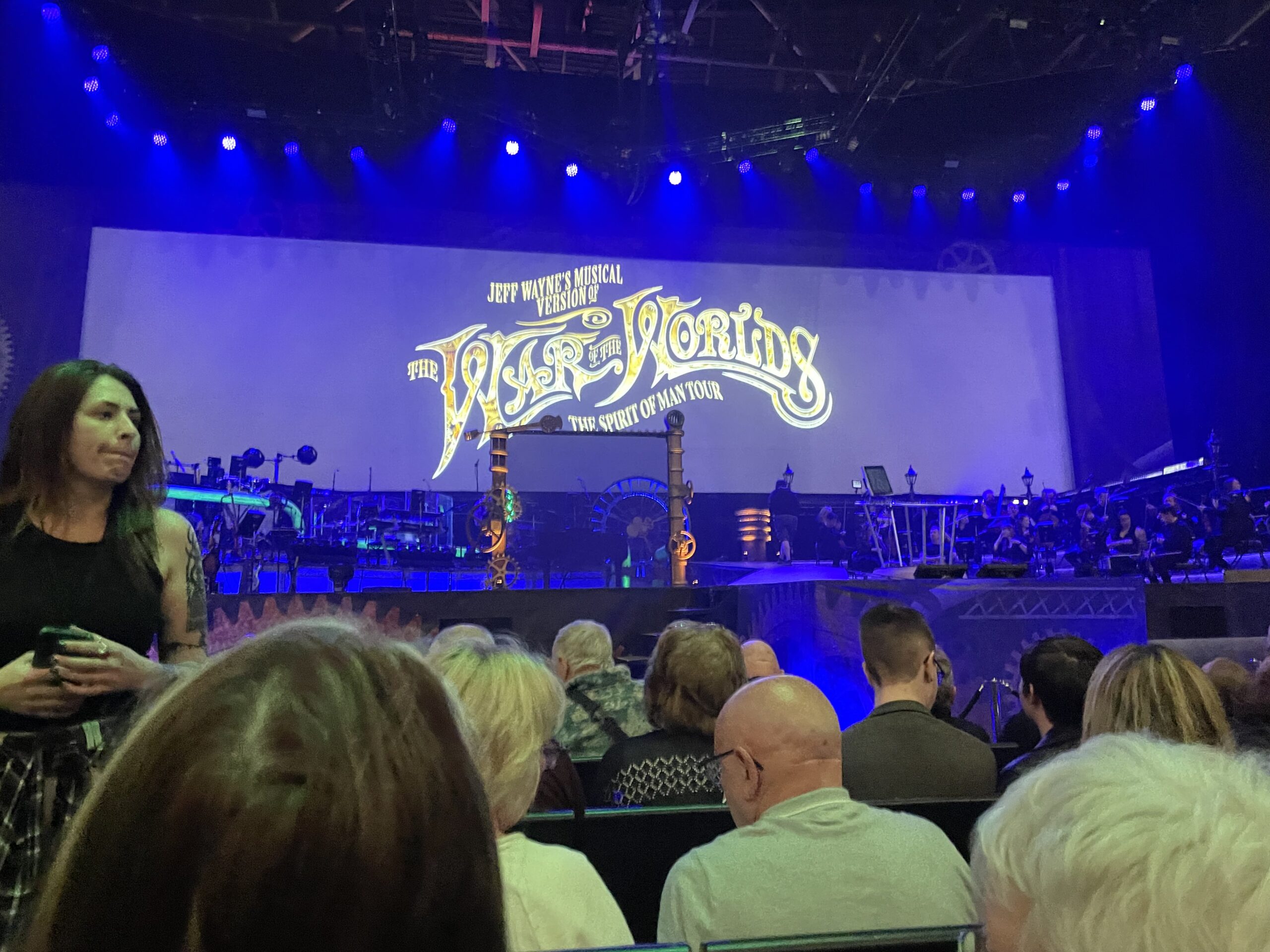
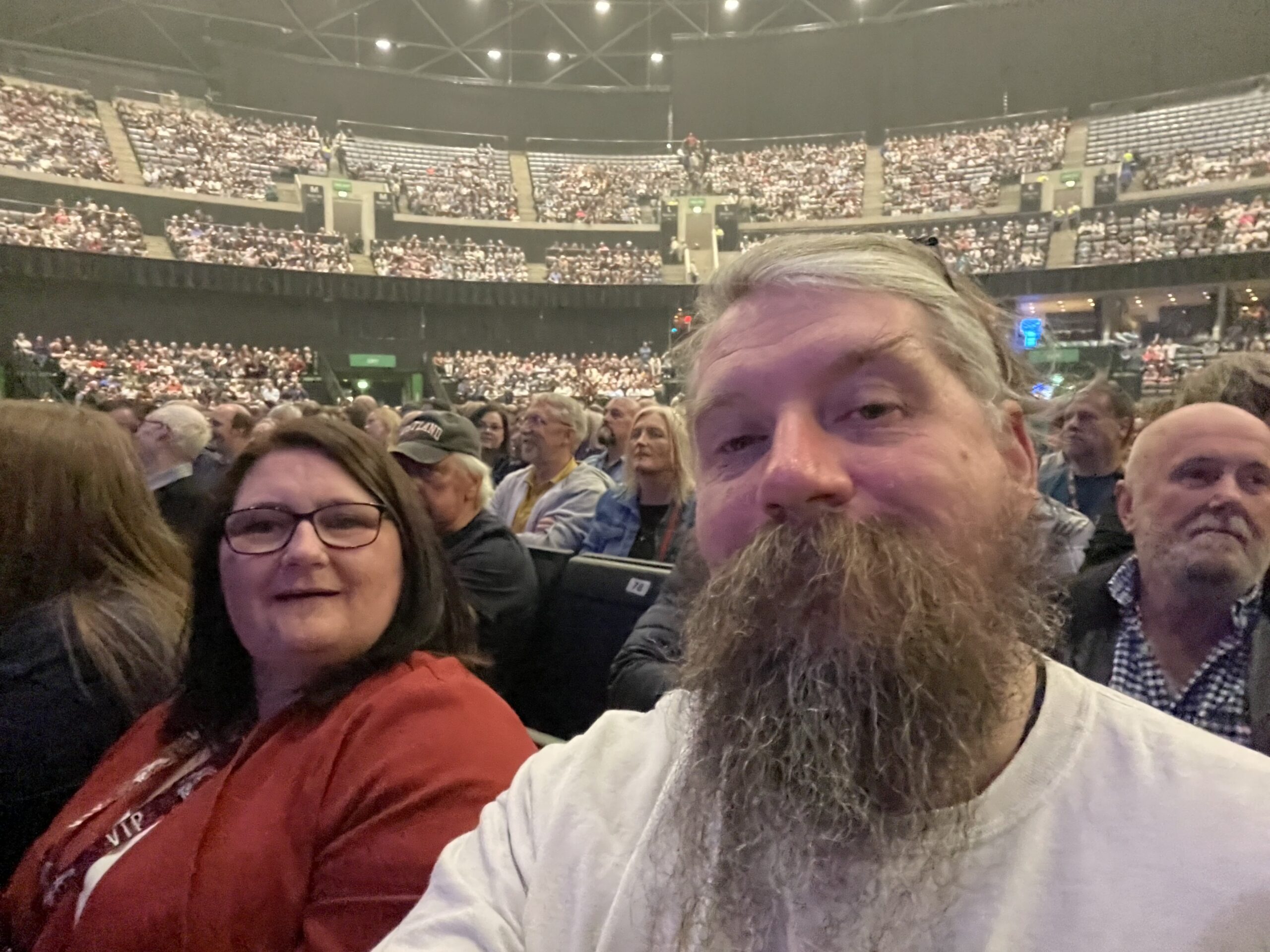
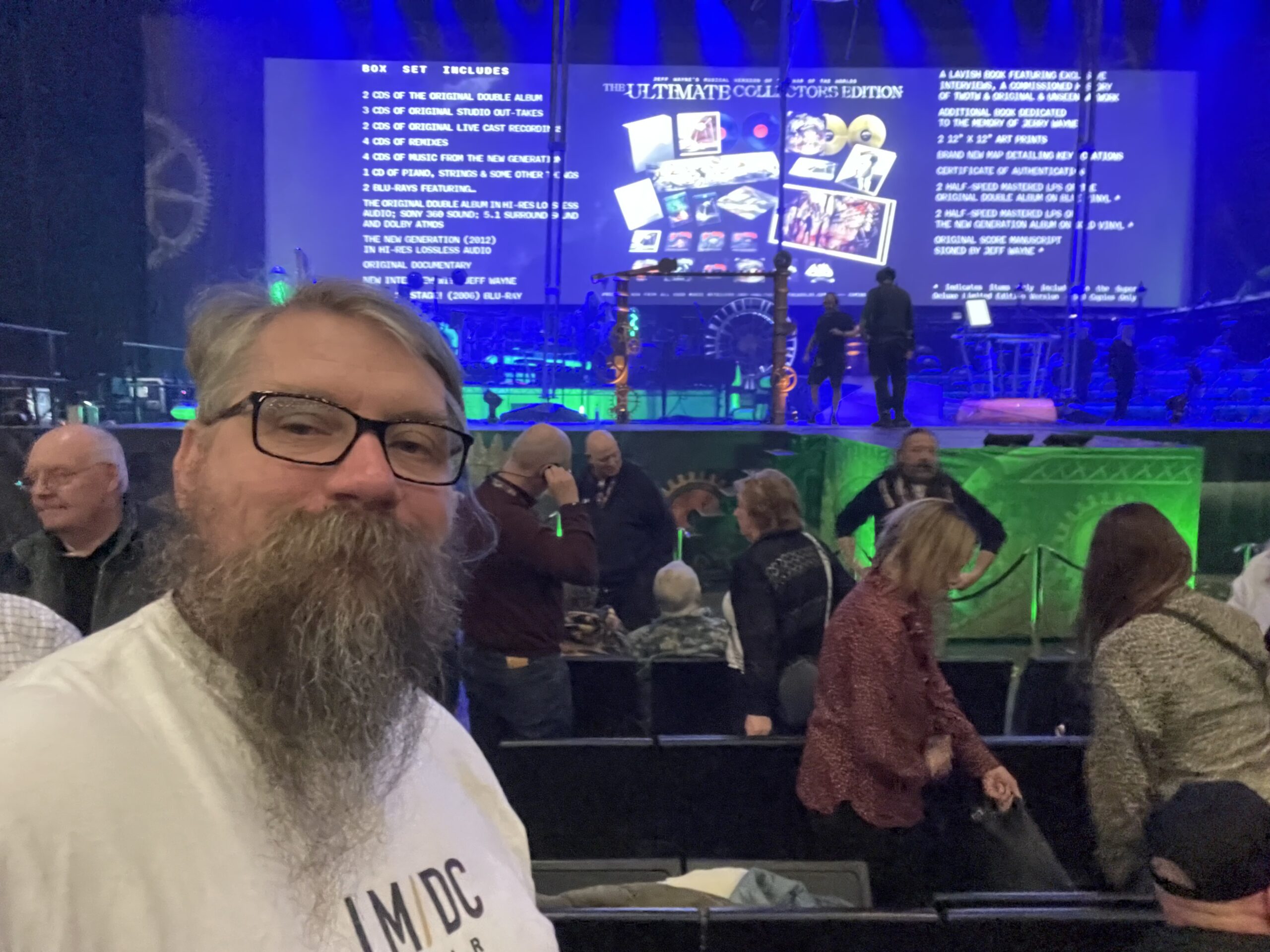
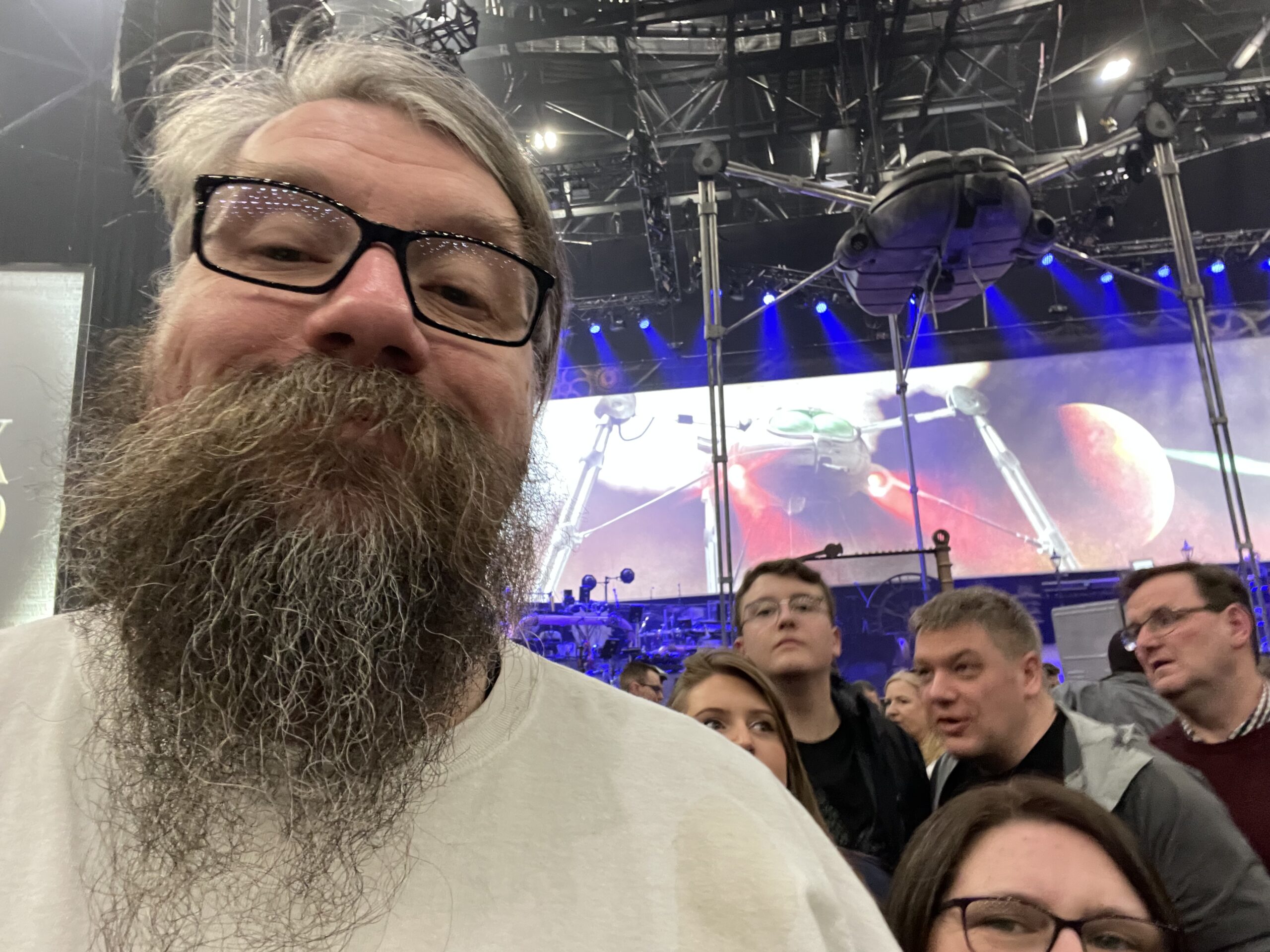
We were on the road today! driving down to Glasgow to visit with family and to go and see Jeff Wayne’s War of the Worlds in The OVO Hydro, yet again. So we snapped some nice shots on the journey as it was a glorious day and I had to keep stopping to allow rusty to stretch his legs.. and let me ears relax too.
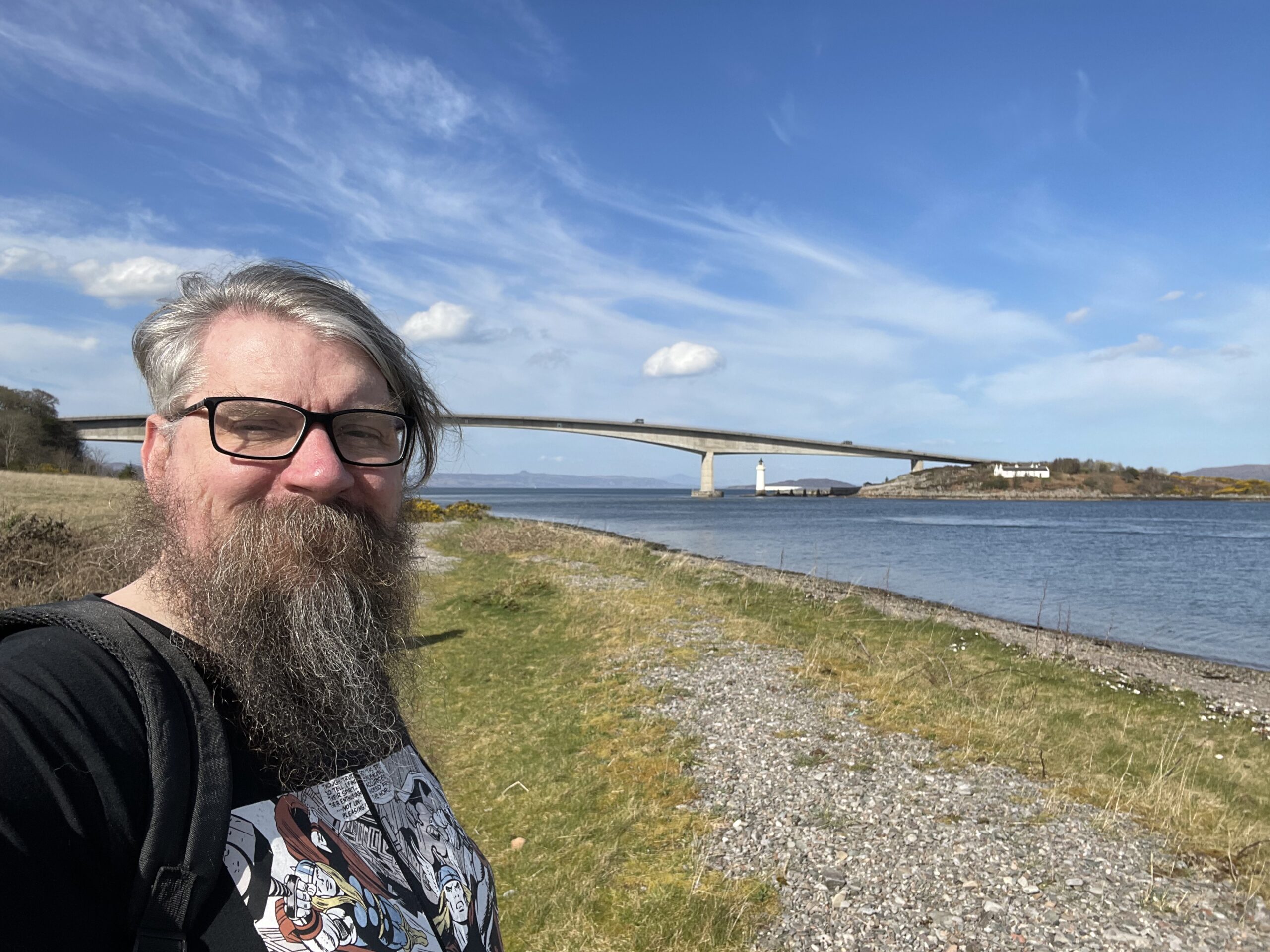
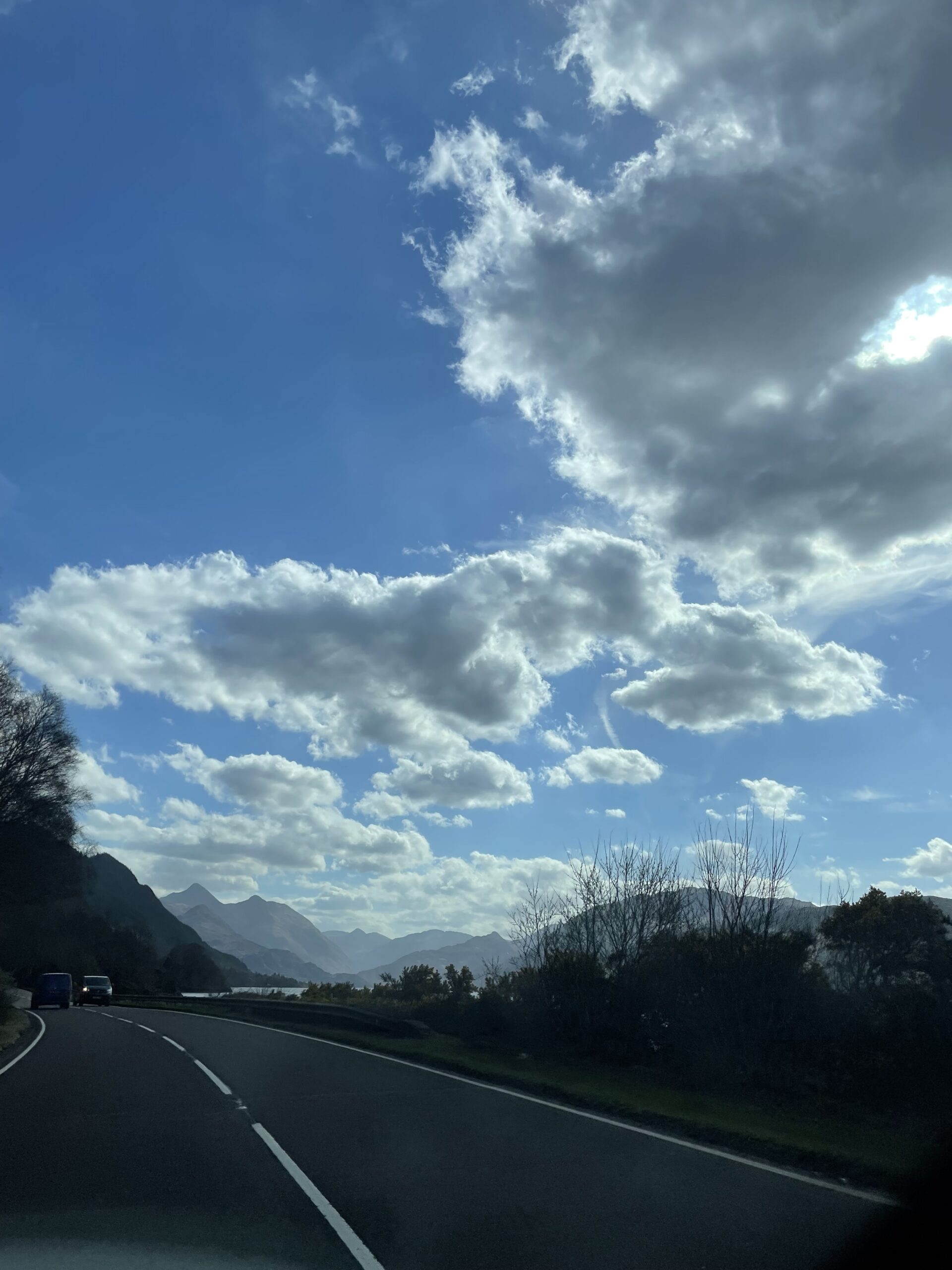
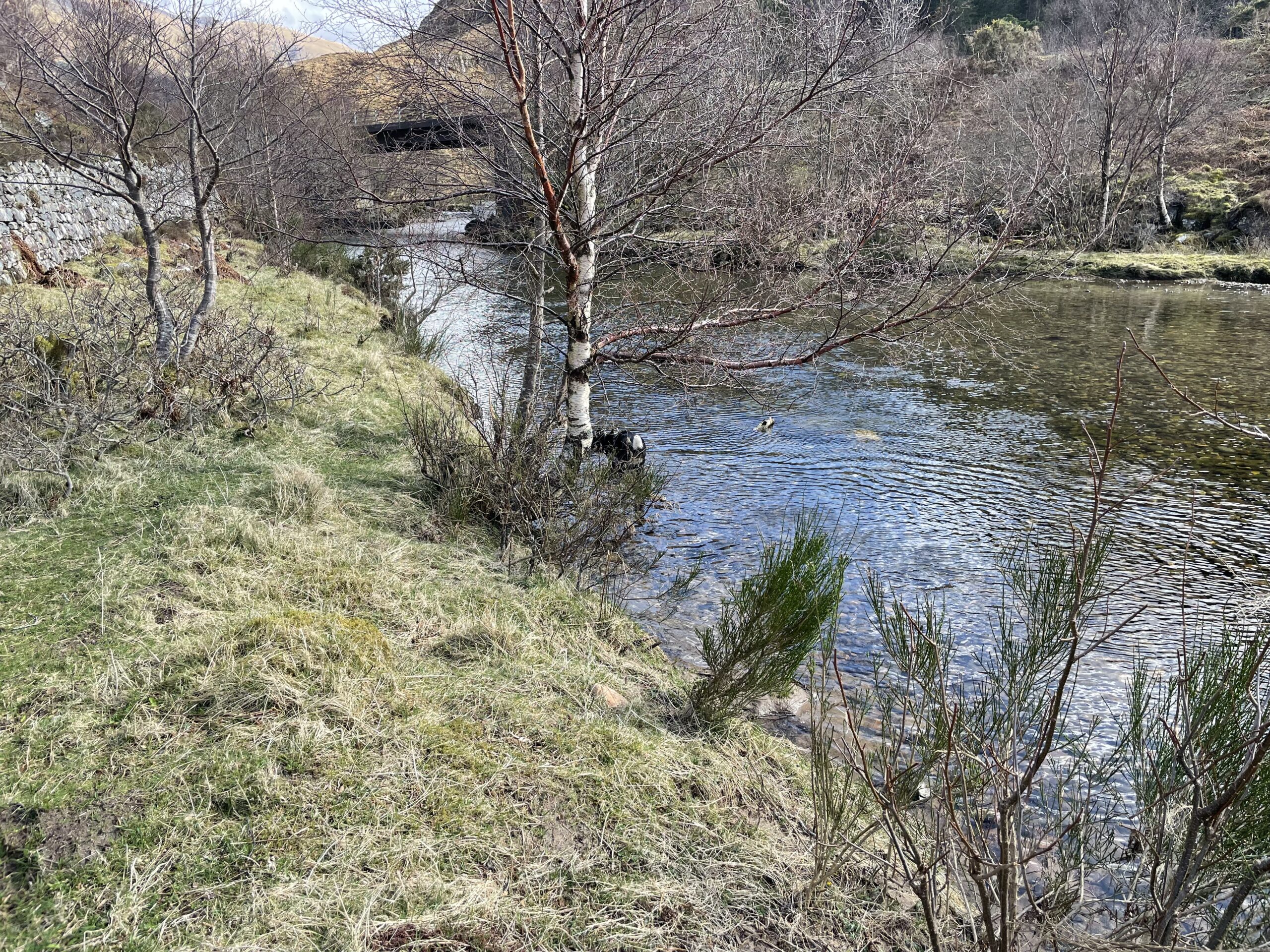
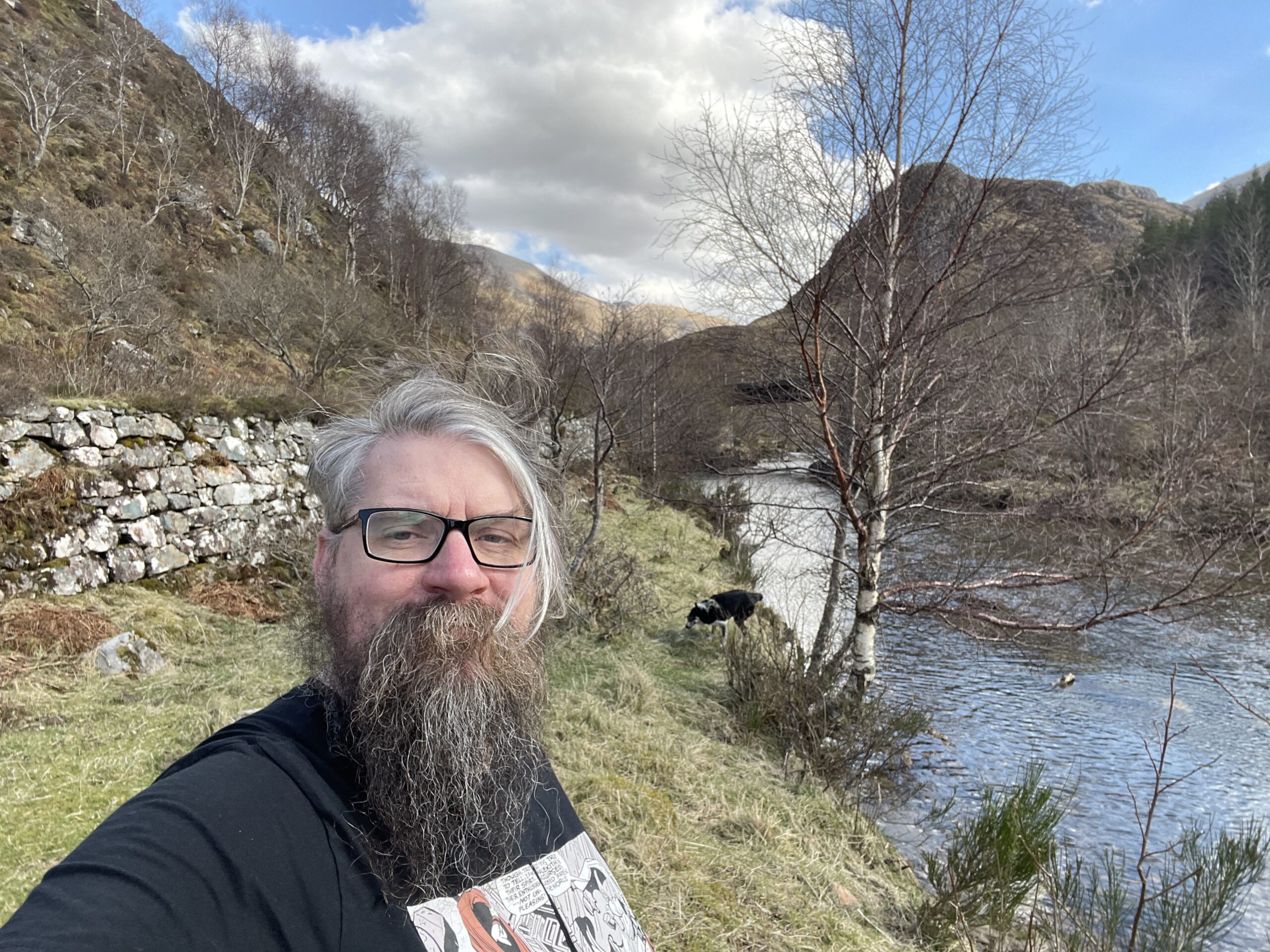
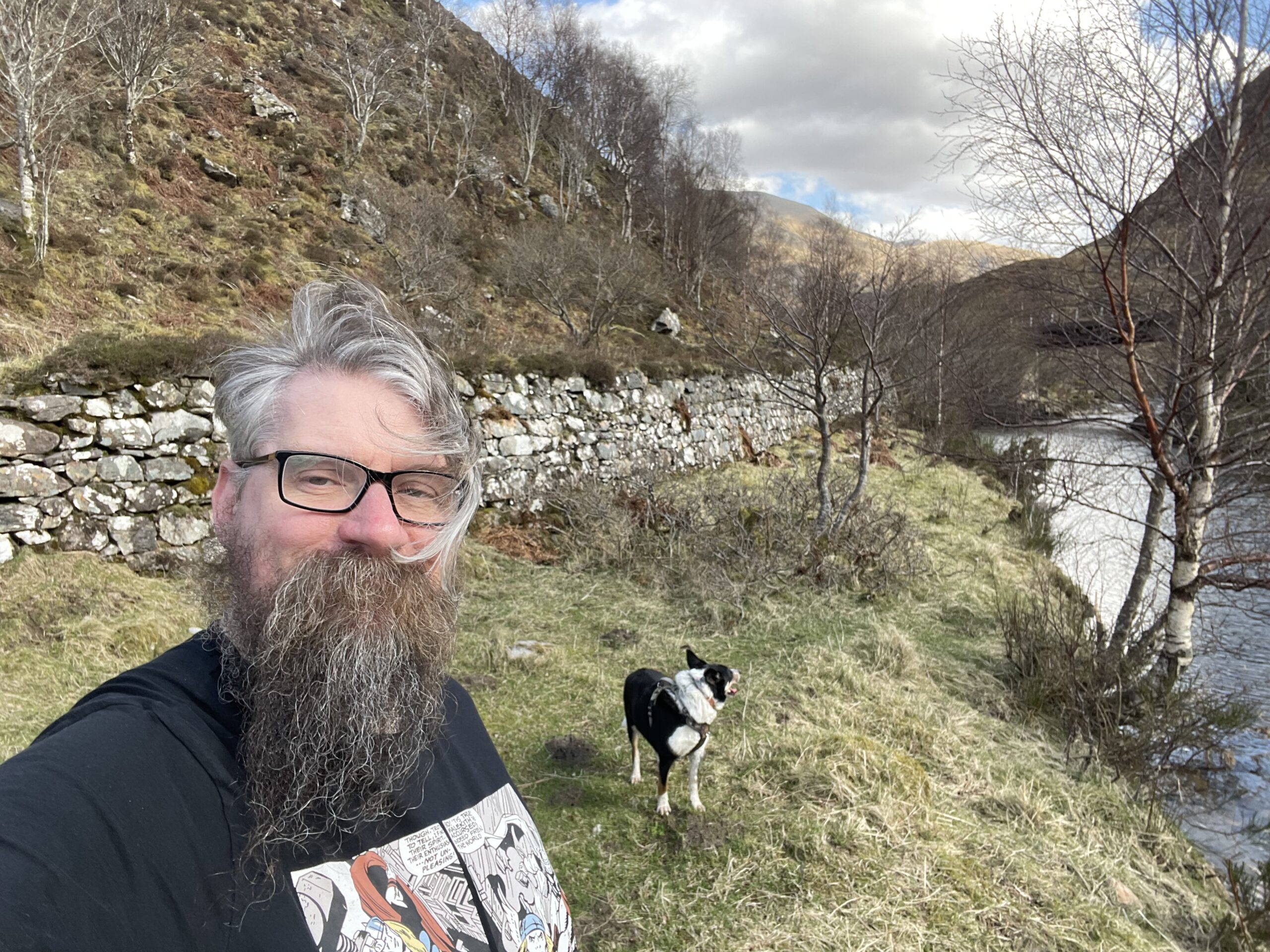
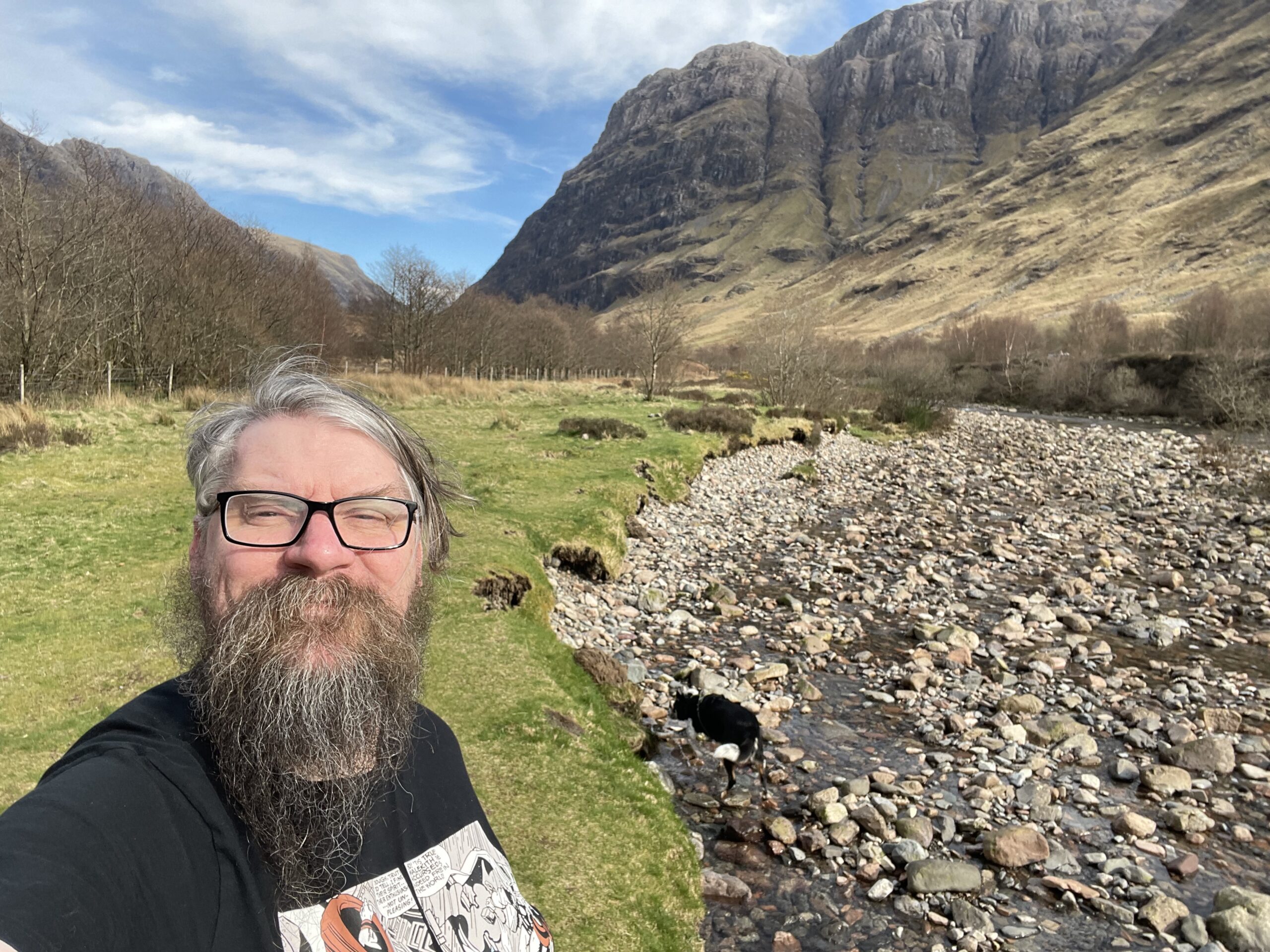
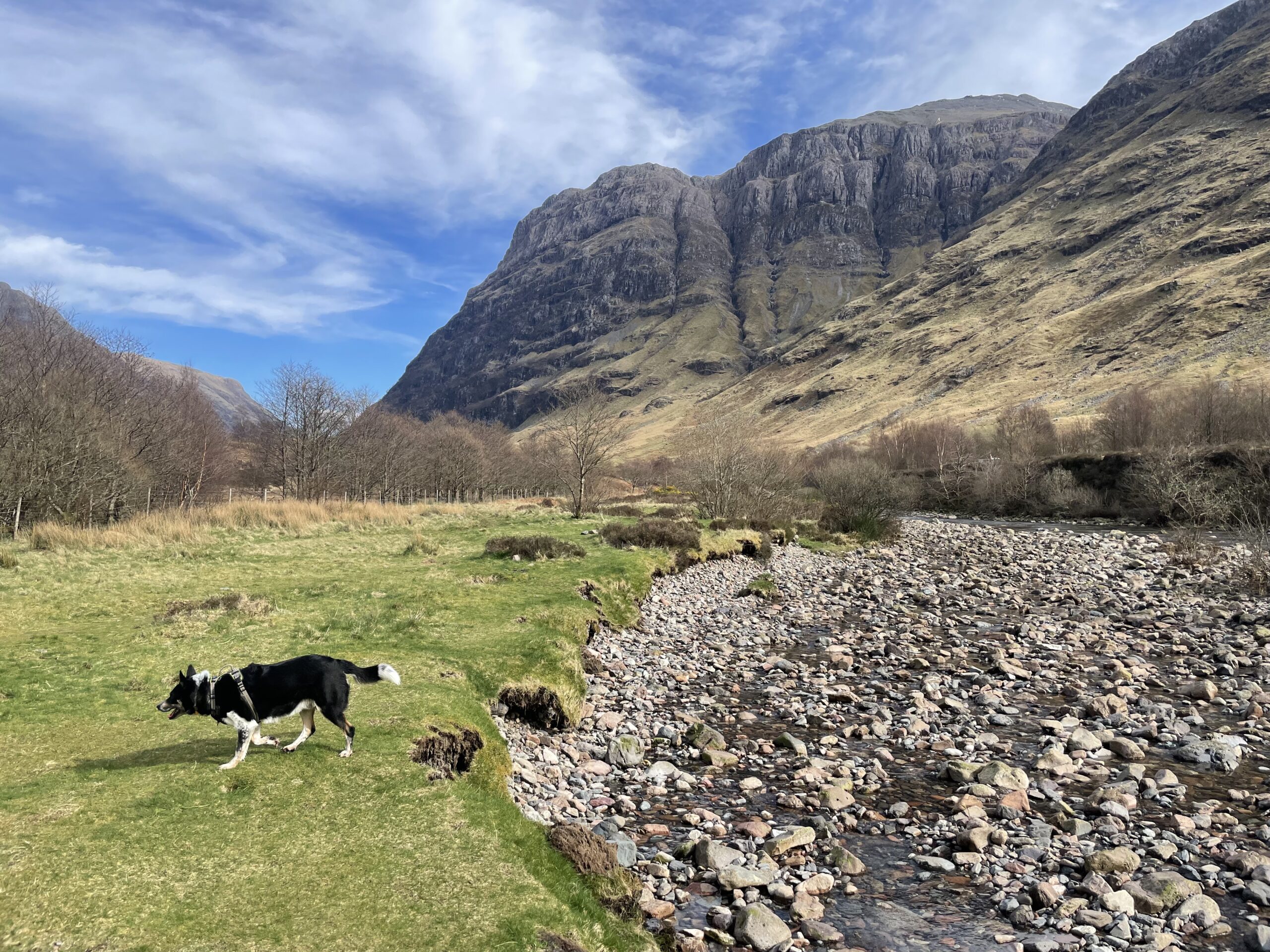
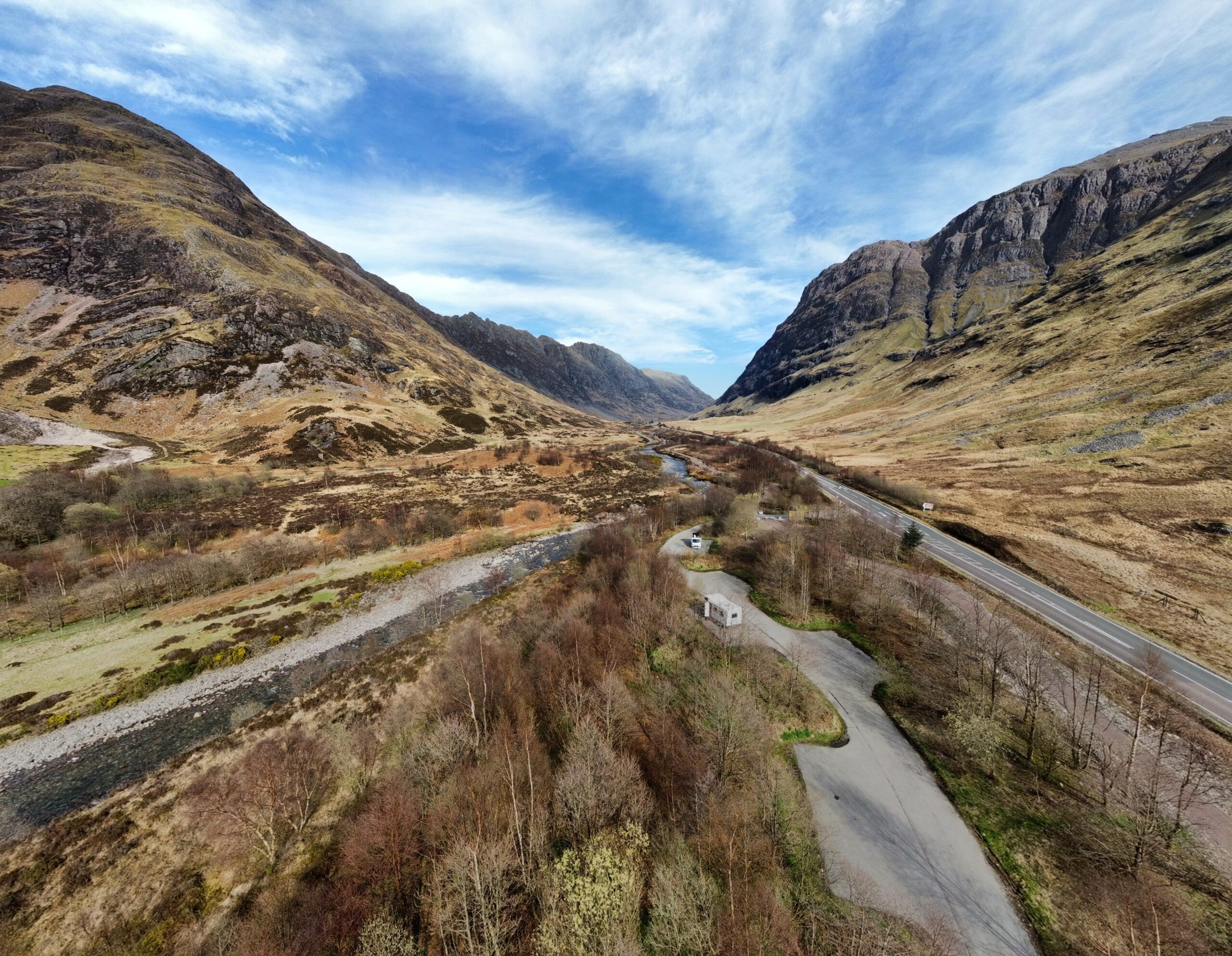
I also had the drone along, because why wouldn’t I?

So, towards the end of last year (2024), I had a dip in my general health, resulting in what I can only term a slight cardiac event, which led to my general physical and mental health slipping and quite a significant weight gain, mostly due to inactivity and eating comfort food!
The all-clear has been given, and I can now start back. So my starting weight point is… *drumroll* 116.10 Kg (18.2 st). It needs to be around 90 Kg to 93 Kg (14 st), though I know from experience I start to look very unwell and ill around the 100 kg mark.
It’ll be an eased start, nothing too drastic, just small, easy lifestyle changes, ensuring I walk at least twice a day for 40ish minutes each time (Let’s not forget Rusty; he approves of this!), Once a week on the bike for at least 30 minutes, and at least two weight training sessions a week. Focus on core and back, because if anyone knows me for any length of time, my back is the weakest point.
I won’t be counting calories yet, though I don’t find this too much of a chore in life. But I know from experience at the start that it can quickly become cumbersome and lead to feeling like I’m failing very quickly
I’m also barrelling towards the end of my MSc research project. Anyone who’s ever done any academic work will know that time becomes a massive factor towards the end and committing to too much leaves you overwhelmed, which turns to distracted eating and letting things slip. I’m trying to avoid that one.
Hello, and welcome!
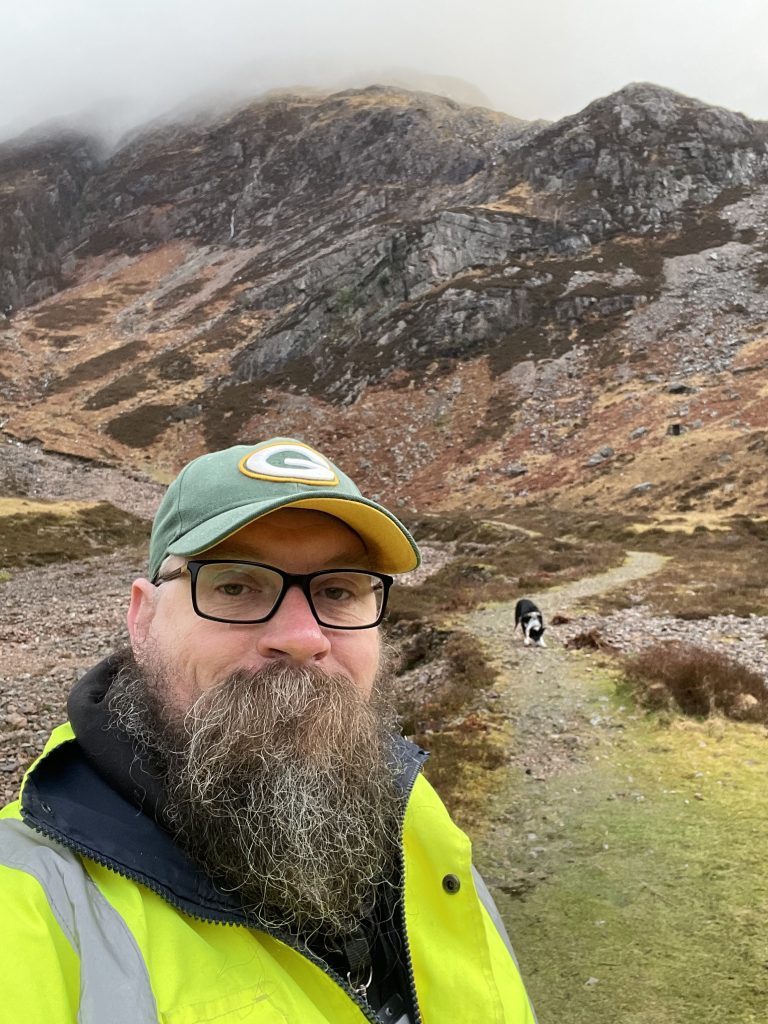
I’m Charles McCrimmon, a computing lecturer based in the Scottish Highlands. I teach, learn, and explore ways to become more self-reliant in an increasingly digital world. This blog is a space where I’ll share insights from my work in computing and education, my experiences in health and fitness, and my journey toward greater independence in both personal and practical aspects of life.
Computing & Education
With a background in software development and cybersecurity, I work with students of all levels, helping them navigate programming, databases, and computing theory. I also engage in curriculum development and remote learning strategies, which are particularly relevant for those in rural and remote communities. Expect posts about coding best practices, emerging trends in computing, and insights into education technology.
Health & Fitness
Like many who spend long hours at a desk, I’ve realised the importance of maintaining physical health. I’m working on improving my fitness, learning new skills (including swimming), and making gradual lifestyle changes to support long-term well-being. This blog will document my progress, share lessons learned, and perhaps encourage others on a similar path.
The Road to Self-Reliance
Beyond computing and fitness, I’m also interested in self-reliance—whether through learning practical skills, improving problem-solving abilities, or finding ways to be less dependent on external systems. A big part of this is my acre of land, which I plan and develop to grow my food. This long-term project involves learning about soil health, sustainable growing techniques, and how to work with the land in a challenging climate.
Meet Rusty
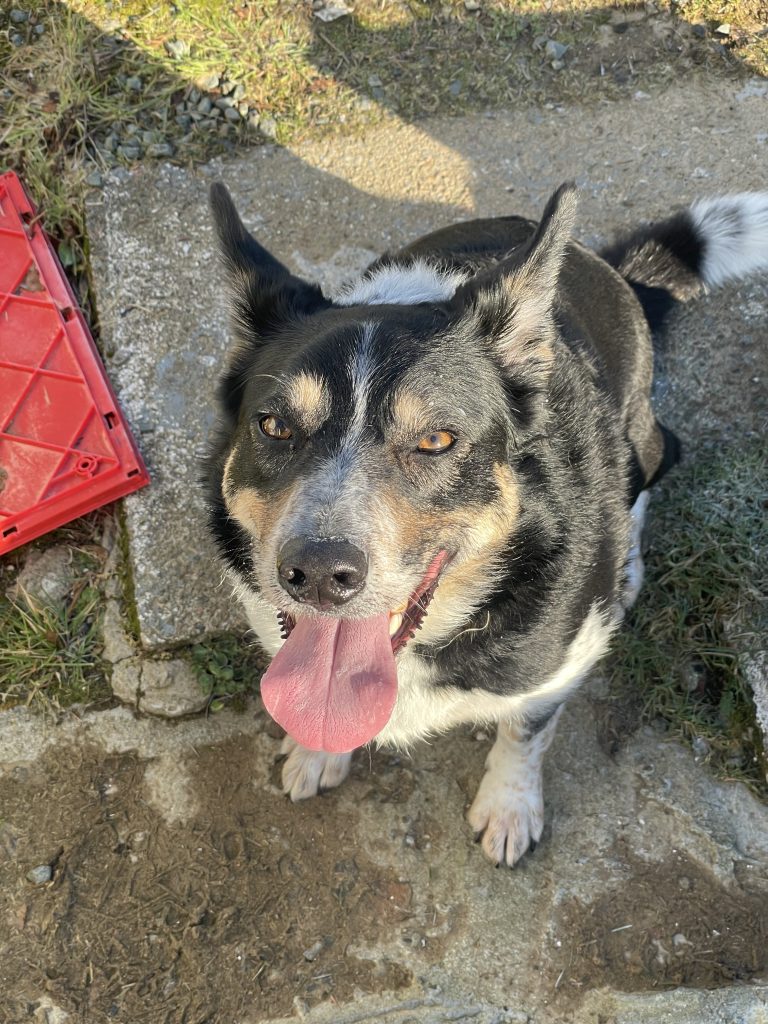
No introduction would be complete without mentioning Rusty—my border collie and loyal companion. Rusty is mostly quiet, except when the car is moving, at which point he transforms into an enthusiastic commentator. He’s a constant presence in my daily routine, whether I’m working, out on the land, or trying to get him to understand that the car isn’t actually an enemy. Expect the occasional Rusty-related anecdote in my posts.
If you’re interested in computing, education, personal growth, self-sufficiency, or just want to follow along with my experiences, I hope you’ll find something of value here. This blog isn’t just about expertise—it’s about learning, adapting, and sharing knowledge along the way.
Let’s see where this journey takes us.